Browse a collection, not a feed.
Albums, artists, playlists, folders, formats, favorites, and fast search—all built from files you control.
- Large-library performance
- Artwork caching
- Album-first navigation
A player for the music you already own
Retrowave turns local audio files into a beautiful personal library—with album browsing, playlists, physical-audio-inspired themes, effects, diagnostics, and dependable offline playback.
Built around ownership
Retrowave is deliberately local. Choose the folders, keep the files, manage the metadata, and listen without asking a remote service for permission.
Everything a personal library needs
Designed for real collections—from a few albums to thousands of tracks—without losing the character of physical music.
Albums, artists, playlists, folders, formats, favorites, and fast search—all built from files you control.
Reliable next, previous, shuffle, repeat, play-next, media controls, and background audio.
Equalizer, reverb, optional spatial effects, gapless playback, and format support.
Vinyl, cassette, CD, jukebox, modern, and an expansive library of selectable icons.
Find unknown metadata, relink missing files, import and export M3U playlists, back up local data, and copy diagnostics when something needs attention.
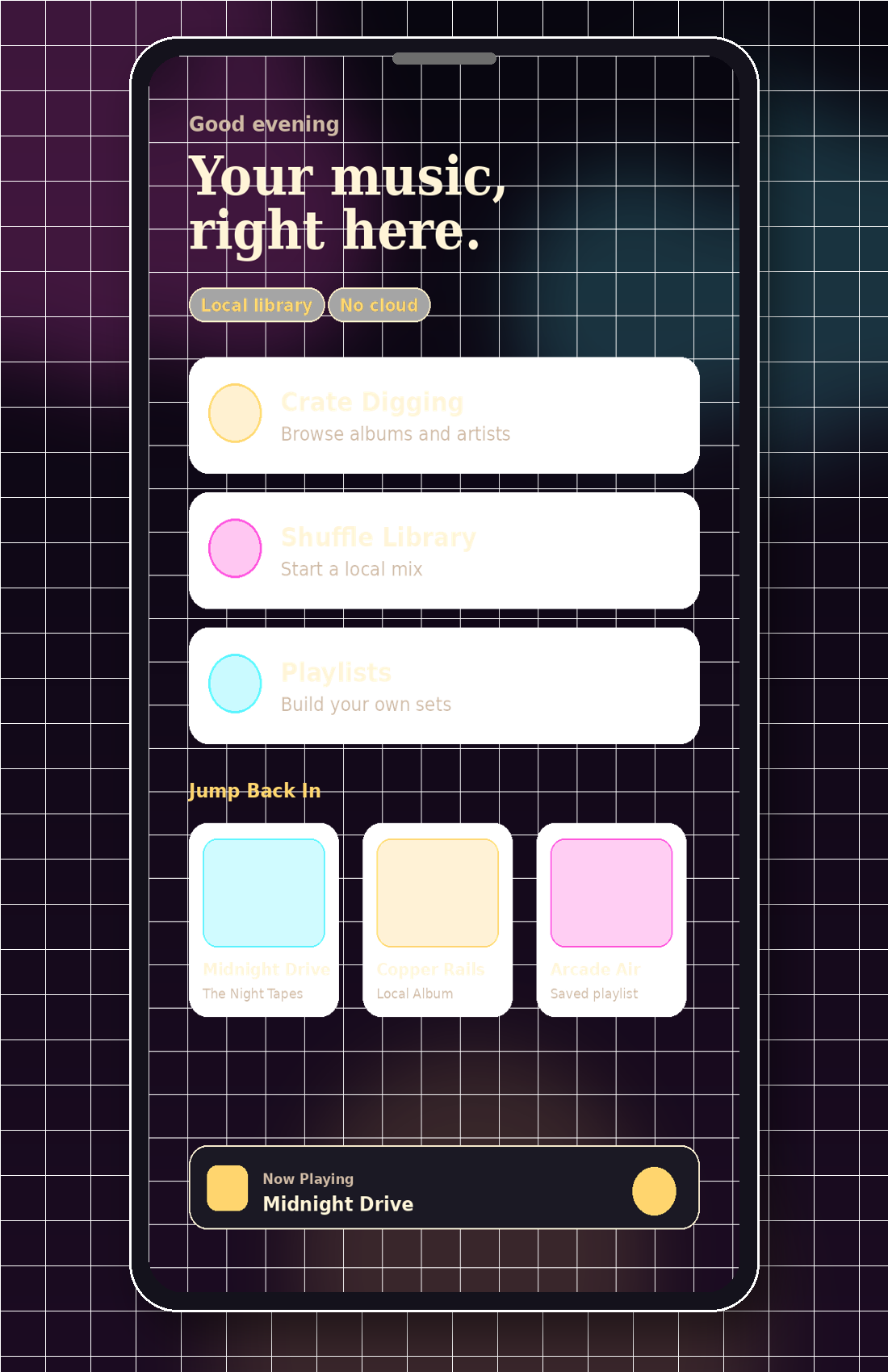
Inside Retrowave
Every screen supports the collection instead of distracting from it. Select any preview to view it full size.
The permanent promise
Retrowave remains a normal personal offline music player. Retrowave Radio is a separate self-hosted station, not a cloud account or library-sync service.
Read the privacy policy →Retrowave reads selected folders without uploading your music.
Install, import, and play without creating a profile.
Playlists, backups, and exports stay as normal files under your control.
Choose your build
Available builds use secure Stripe checkout and protected delivery. No recurring fee.
Secure checkout with protected delivery and access to future downloads for this platform.
Get AndroidSecure checkout with protected delivery and access to future downloads for this platform.
Get WindowsThis build will become available after platform testing and release preparation are complete.
Coming soonThis build will become available after platform testing and release preparation are complete.
Coming soonCommon questions
No. Retrowave is a player for audio files you already own and choose to import.
No connection is required for normal library playback. Internet access may be used only for downloading the installer or optional external links.
No. Radio is a separate self-hosted Rerraseth project. Retrowave remains a personal offline player.
Yes. Retrowave is designed around local backups, playlist import/export, and data you control.
Bring the collection back
One player. No subscription. No account. No cloud attached.